
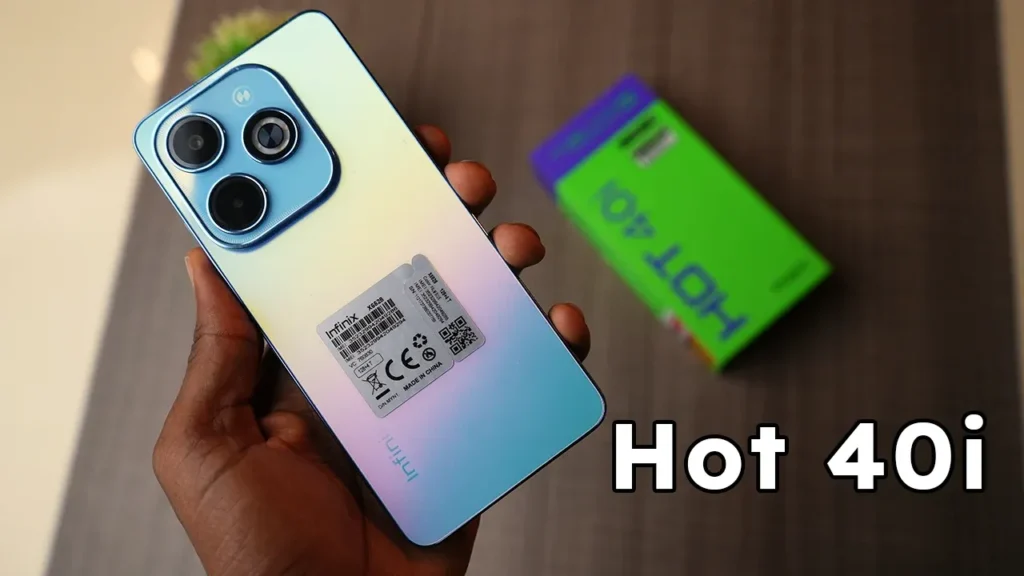
Introduction of Infinix Hot 40i
The Infinix Hot 40i is a budget-friendly smartphone that promises great battery life, a capable social media-friendly camera, and a well-illuminated, comfortable screen – making it a good daily driver to choose when a customer needs reliable performance without the premium prices of flagships.
Design & build
The Infinix phone Hot-series aims to provide a sleek appearance at a low price. Expect:
- A plastic frame and plastic back (durable, light).
- A slim profile that’s comfortable for one-handed use.
- A standard button layout: power and volume on the right; power often doubles as a side-mounted fingerprint reader.
- A camera module that’s visually prominent but not huge.
Practical notes on durability and feel.
- Plastic back = lighter weight and less shattering risk than glass. Drop it, and the back is more likely to survive; you still want a case.
- Finish options: glossy or matte — glossy variants show fingerprints; matte finishes hide smudges better.
- Grip & ergonomics: The phone typically sits well in the hand; if you have small hands, check the thickness and weight in a store.
Display
Display basics
- Size: usually around 6.4–6.8″ for the Hot-series — roomy for videos and browsing.
- Panel type: IPS LCD is common on budget phones; it provides accurate color and wide viewing angles, but has less deep blacks than OLED.
- Resolution: HD+ or FHD+. FHD+ gives sharper text and images.
- Refresh rate: 60Hz is standard; some models offer 90Hz for smoother scrolling.
- Brightness: peak nits matter for outdoor use.
What matters in real use
- Reading outdoors: higher brightness reduces glare and makes the screen usable in sunlight.
- Smoothness: if you scroll a lot or the game is 90Hz display feels noticeably smoother than a 60Hz display.
- Sharpness: If you consume lots of text and small UI elements, prefer FHD+ if available.
Performance & everyday speed
- App launch speed.
- Smooth scrolling and UI animations.
- Stability when switching between apps.
- Gaming performance for the titles you play.
- Browsing, social apps, video streaming, and light productivity.
- Light-to-moderate mobile gaming (with settings tuned down).
Real-world scenarios
- Social apps (Facebook, Instagram, TikTok): should run fine with 4-6GB RAM. Background multitasking can cause reloading of apps in case of limited RAM.
- Multitasking: monitor storage and RAM; 6GB and 128GB is a safe combination among the majority of users.
- Gaming: It will be easy with casual games such as Subway Surfers or Candy Crush. The more demanding titles will work on lower graphic settings – you are not going to get state-of-the-art performance.
Tips to keep the phone feeling fast
- Use lite app versions where available (e.g., Facebook Lite).
- Restart the phone occasionally if you notice a slowdown.
- Avoid filling internal storage — leave ~10–20% free space.
- Consider using developer options to limit background processes only if you know what you’re doing.
Cameras
Camera setup overview
- A main wide camera (often the best sensor on the phone)
- A secondary macro/depth sensor — useful for marketing but often limited in real use.
- A front selfie camera is Adequate for daytime selfies.
- Megapixels (MP): higher MP doesn’t guarantee better photos — sensor size and image processing matter more.
- Aperture: a lower f-number means more light enters the lens.
- Stabilization: EIS (electronic) is common; OIS (optical) is rare in budget models.
How to judge camera quality
- Daylight: the main camera should produce sharp, well-exposed photos with natural color.
- Low light: expect noise and loss of detail; night mode can improve exposure, but won’t reach flagship levels.
- Portrait mode: check edge detection on hair and complex backgrounds.
- Video: EIS helps with walking shots; check for thermal throttling during longer recordings.
Camera test steps — do these yourself.
- Daylight wide shot: choose a scene with textures (foliage, text) and observe detail and dynamic range.
- Selfie in portrait mode: check edge detection and skin tone reproduction.
- Night shot: take the same frame with and without night mode — compare shadow detail and noise.
- Walk-and-talk video: record a one-minute clip while walking to test stabilization.
Battery & charging
Battery life is a combination of capacity (mAh) + software efficiency + display behavior. For Hot-series phones, an around 5000 mAh battery is common, which translates to comfortable all-day use for most people.
Typical real-world usage estimates
- Light user (calls, messaging, light browsing): 1.5–2 days.
- Medium user (social apps, streaming, moderate gaming): a full day.
- Heavy user (long gaming sessions, GPS navigation, constant streaming): you may need a mid-day top-up.
Charging
- Check the official charging wattage. Many budget phones support 18W–33W fast charging.
- Higher wattage shortens 0→50% significantly; 50→100% is often slower due to charge curves.
Battery test steps
- Run a video loop at 50% brightness and note screen-on time (SOT) hours.
- Time the charger from 0→50%, and 50→100% to see real-world behavior.
Software, updates & bloatware
OS and UI
- Android + XOS (custom skin of Infinix) is shipped with the Infinix phones. XOS also has additional features, themes, and applications that are possibly useful – or even can be bloated.
- Preinstalled applications (bloatware): they are often found; most may be disabled or uninstalled.
- Updates: budget phones typically do not get as many major OS updates as flagships; security patches can still be received. In case long-term OS support is important to you, visit the policy of Infinix on the particular model.
Audio, connectivity & extra features
Speakers & audio
- A single bottom-firing speaker is common — loud enough for videos and calls, but not audiophile-grade. For better sound, use wired headphones (if a 3.5mm jack is available) or Bluetooth earphones.
Headphone jack
- Many budget Infinix models retain a 3.5mm jack — convenient for wired headphones.
Connectivity
- Wi-Fi and Bluetooth are standard.
- NFC is less common on budget phones — check if you plan to use tap-to-pay.
- Dual SIM + dedicated microSD is a common configuration; confirm whether the MicroSD slot is dedicated or hybrid.
Extras
- Fingerprint sensor: often side-mounted and quick.
- Face unlock: works in decent light but not as securely as biometrics.
- IR blaster: Some Infinix models include one — useful for controlling TVs.
Full specs table
| Category | Typical spec |
| Model name | Infinix Hot 40i |
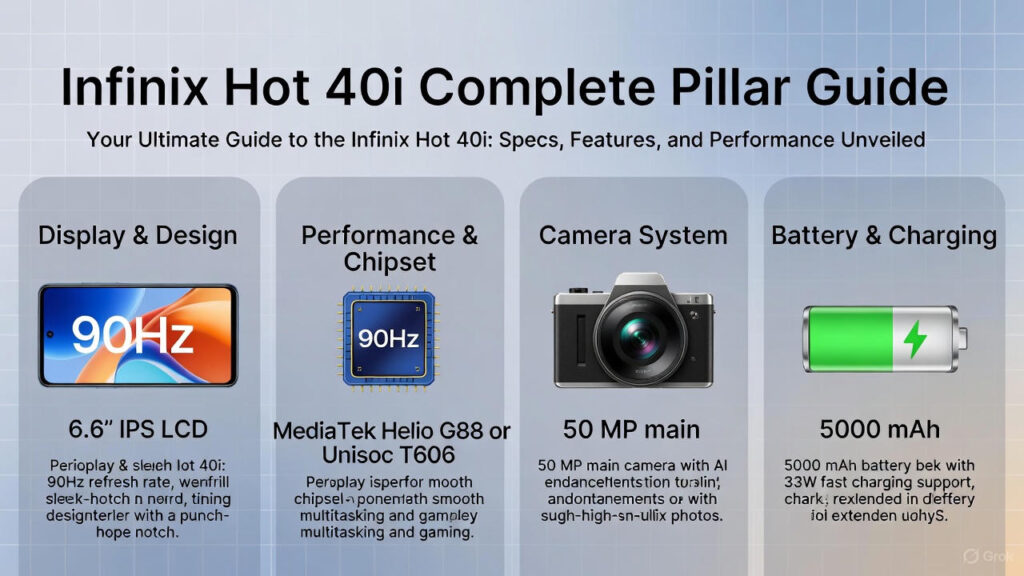
| Display | 6.6″ IPS / 90Hz / HD+ or FHD+ (varies) |
| Processor (SoC) | MediaTek / Unisoc entry-to-mid chipset (model varies) |
| RAM / Storage | 4GB / 64GB, 6GB / 128GB (configs vary) |
| microSD | Yes, dedicated slot (up to 512GB) |
| Rear Camera | 50MP main + depth/macro (example) |
| Front Camera | 8MP–13MP selfie |
| Battery | 5000 mAh (common in Hot-series) |
| Charging | 18W–33W fast charge (varies) |
| OS | Android (XOS skin) |
| Biometrics | Side-mounted fingerprint / Face unlock |
| Ports | USB-C or Micro-USB (check), 3.5mm jack |
| Weight | ~180–200g (estimate) |
How the Infinix Hot 40i compares
| Feature | Infinix Hot 40i | Rival A | Rival B |
| Price (launch) | $ / PKR / NGN (replace) | $ | $ |
| Display | 6.6″ / 90Hz | 6.5″ / 60Hz | 6.6″ / 120Hz |
| Battery | 5000 mAh | 4500 mAh | 5000 mAh |
| Camera | 50MP main | 48MP main | 64MP main |
| Best for | Battery + value | Budget basic | Performance/light gaming |
Pros & Cons
Pros
- Long battery life for day-to-day use.
- Strong value for money — decent specs for the price.
- Comfortable size and modern design.
- Expandable storage via microSD on most SKUs.
Cons
- Camera quality is good for social media but not flagship-level.
- Software update cadence may be limited compared to premium brands.
- Heavy gaming performance is limited on entry chipsets.
- Some SKUs may ship with bloatware.
FAQs
Typical use should give you a full day or more. Heavy users may charge once a day.
Light to medium settings should be playable; heavy settings may lag.
6GB is a comfortable choice for smoother multitasking. 4GB is fine for casual use.
Budget phones get some updates, but not as many as flagship phones. Check the update policy.
Side-mounted fingerprint sensors on these phones are usually fast and accurate.
Conclusion
Infinix Hot 40i is one of the solid choices in the budget category when the key factors are an extended battery life, agreeable daily screen, and reasonable prices. It will not be able to compete with flagship phones regarding raw performance or camera quality, but on social media photographs, video streaming, simple gameplay, and daily activities, it provides consistent, reasonable performance without a high price tag.
