
Introduction
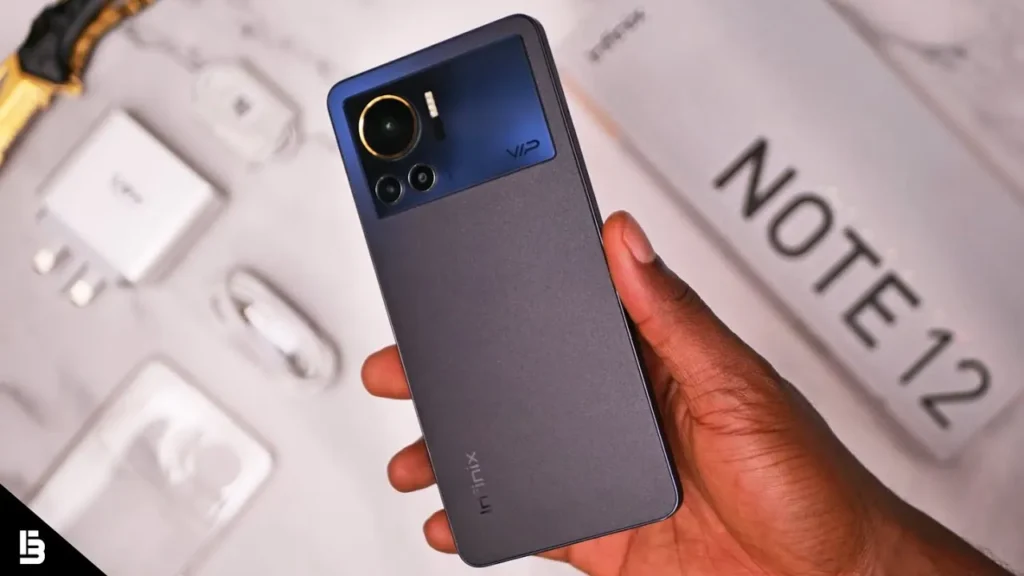
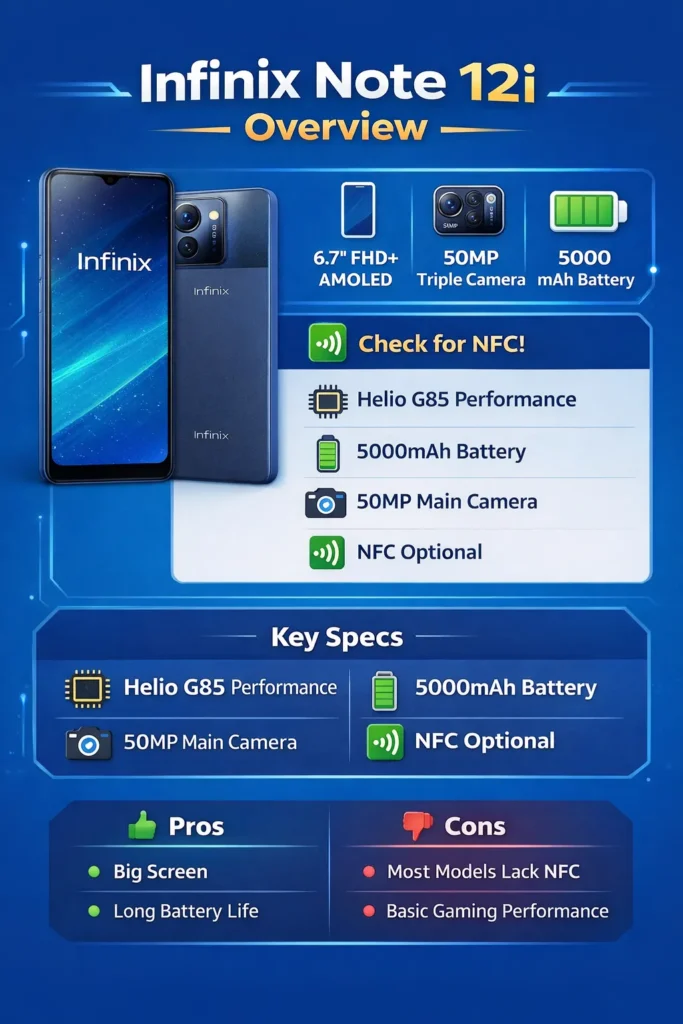
The Infinix Note 12i is a value-oriented, large-display device optimized for media consumption and multi-day endurance. It commonly ships with a 50MP main camera and a 5000 mAh battery. Most global SKUs do not include NFC. Buy it if you prioritize screen real estate and battery longevity; avoid it if you require contactless payments or flagship-class gaming.
Quick facts
- Display: Most common listing: 6.7″ FHD+ AMOLED — but certain regions ship a 6.82″ HD+ 90Hz IPS variant. (Display type massively affects perceived quality and battery draw.)
- SoC: MediaTek Helio G85 (12 nm) — a midrange chipset optimized for balanced power and efficiency.
- Rear camera: 50 MP main with auxiliary depth/macro/QVGA modules depending on SKU.
- Front camera: Typically 8 MP, varies by region.
- Battery: 5000 mAh; charging adapter on-box varies (18W up to 33W reported).
- NFC: Usually No. A handful of localized submodels may include it — do not assume presence.
- OS / UI: Android 12 with XOS skin — updates and security patch cadence differ across regions.
- SKU confusion: The same product name masks multiple hardware variants; the model number is the canonical key for verification.
Full specs
| Feature | Common listing |
| Display | 6.7″ FHD+ AMOLED (some markets: 6.82″ HD+ 90Hz IPS) |
| Processor | MediaTek Helio G85 (12nm) |
| RAM / Storage | 4GB/64GB; 4/6GB + 64/128GB (expandable via microSD) |
| Rear cameras | 50MP main + 2MP depth + QVGA/macro (varies) |
| Front camera | 8MP (typical) |
| Battery | 5000 mAh (charging 18–33W depending on SKU) |
| NFC | Generally No — check the exact model number |
| OS / UI | Android 12 with XOS 10.x (varies with updates) |
Display
Display technology is one of the highest-importance features in the human-perceived evaluation vector. An AMOLED panel yields deeper blacks and better power efficiency with dark themes; an IPS panel can be brighter but lacks native true blacks.
About display:
- Always On Display: If Settings → Display shows AOD toggles, you likely have AMOLED.
- Black image test: Open a full-black image. If black appears perfectly black without backlight glow, you’re likely on AMOLED.
- Model number mapping: The single most reliable method: Settings → About phone → Model number → cross-check against the official SKU table or retailer listing.
- Box sticker: Retail boxes often list the exact panel type or a model code that maps to a display type.
Design & build
Material & weight:
The Note 12i typically features a plastic back and frame. It’s engineered to be light relative to its large screen size. Expect a pragmatic trade-off: reduced premium for lower cost and lower repair risk for minor drops.
Ergonomics:
At 6.7–6.82 inches, it’s a large device. One-handed reach is constrained; two-handed operation is the comfortable norm. Excellent for video, e-books, and long-form reading.
Durability:
No official IP rating on most SKUs — treat as splash-resistant at best. Use a case for drops and a screen protector against scuffs.
Finish & aesthetics:
Colorways and finishes vary by region. Some versions use glossy plastic while others go for matte or textured finishes that reduce Fingerprint Smudges.
Practical tip:
If you plan to use your device full-time daily without a case, consider adding a tempered glass screen protector and a protective clear shell.
Performance & gaming
Imagine the Helio G85 as a mid-weight transformer model tuned for balanced inference throughput and reasonable latency. It’s not a high-capacity LLM, but it’s efficient at typical consumer tasks.
What the Helio G85 handles well:
- Browsing, social apps, streaming video — smooth & consistent.
- Casual games — run titles like Subway Surfers and moderately demanding mobile games at playable settings.
- Basic multitasking — okay with 4–6GB RAM, but expect cached app evictions under heavy switching.
Where it struggles:
- Sustained GPU-heavy workloads — thermal throttling in long, high-FPS sessions.
- High-fidelity AAA mobile gaming at high settings — frame drops and stuttering are likely.
Practical gaming tips:
- Use the phone’s Game Mode (if present) and close background tasks before starting.
- Reduce rendering quality (shadows, resolution) to stabilize frame rates.
- Place the phone in a cooler environment or use a clip-on cooler for marathon gaming sessions.
Inference-time behavior:
- Expect thermal throttling after extended heavy CPU/GPU loads; FPS may decline over long sessions.
- Battery drain is significant during sustained gaming; plan for mid-session charging if you game a lot.
Camera
The “50MP” tag is a high-weight token in spec tables, but practical image quality is determined by sensor size, lens, and ISP software.
Daylight / bright scenes
- Strengths: Good detail for social sharing and prints at moderate sizes.
- Tip: Use native 50MP or Pro mode for situations where extra detail and cropping are needed.
High-contrast scenes
- Tip: Toggle HDR or use multi-frame processing where available to retain highlight and shadow detail.
Low-light & night
- Weaknesses: Small sensor pixel size and budget ISP tuning can introduce noise and softness.
- Tip: Use Night Mode and a tripod or stabilizing surface. Hold steady for multi-second exposure stacking.
Portraits & selfies
- Portrait mode generally produces acceptable background separation at close range. Selfies are fine for video calls and casual social sharing, but not studio-grade.
Camera settings to try
- Enable HDR for backlit subjects.
- Use high-resolution mode when capturing subjects you plan to crop.
- Try manual/pro mode: lock ISO and shutter speed in mixed lighting.
Battery
A 5000 mAh battery is one of the strongest selling points. Instead of a single number, present repeatable metrics for readers.
Suggested tests:
- Charge curve: Start at 0%, charge with the included adapter, and record timestamps at 10% increments.
- Mixed-use loop (daily simulation): Combine browsing (40%), video streaming (30%), social apps (20%), and calls (10%) over a day. Log Screen-On Time (SOT) and percent at bedtime.
- Video loop: Play a 1080p video on repeat with Wi-Fi on and 50% brightness; record hours to 0%.
- Gaming loop: Play a demanding game at default settings until 15% battery remains; record runtime and temperature behavior.
- Standby test: Charge to 100%, leave idle 24 hours with SIM and Wi-Fi active; record percentage drop.
Realistic expectations:
- Light use: 1.5 – 2 days (calls, messaging, light browsing).
- Moderate use: 10 – 12 hours SOT across a day.
- Heavy gaming: 4 – 7 hours SOT for gaming before a charge is needed.
Charging
- The included adapter commonly varies by region: some SKUs include 18W, others include up to 33W. A 33W adapter yields a noticeably faster charge cycle.
Connectivity & NFC
Across most global listings, the Infinix Note 12i does not include NFC. However, Infinix occasionally ships localized submodels with different features. Don’t assume NFC — verify.
Why NFC matters
Contactless payments, transit cards, quick device pairing, and other proximity-based use-cases require NFC. If that’s in your main use-case vector, treat the presence of NFC as a binary must-have checkbox.
How to confirm the presence of NFC
- Box sticker: The quickest check — retailers often print NFC if present.
- Settings: Settings → Connected devices / More connections → look for NFC toggle.
- Model number: Use Settings → About phone → Model number → cross-check on official or retailer SKU pages.
- Ask the seller: When buying online, ensure the spec sheet explicitly states “NFC”.
Note 12i vs Note 12 vs Redmi competitor
| Model | Display | SoC | RAM/Storage | Rear Camera | Battery | NFC |
| Infinix Note 12i | 6.7″ FHD+ AMOLED / 6.82″ HD+ IPS | Helio G85 | 4/64, 6/128 | 50MP main + aux | 5000 mAh | Generally No |
| Infinix Note 12 | higher-tier display (market dependent) | Often stronger SoC | 4/64, 6/128 | 50MP + better ISP | 5000 mAh | Depends on SKU |
| Redmi Note (competitor) | 6.43″–6.7″ AMOLED/IPS | Snapdragon / Dimensity | 4/64, 6/128 | 48–64MP main | ~5000 mAh | Often Yes (check listing) |
Buying guidance:
- Need NFC? Prefer Redmi or other models that explicitly list NFC.
- Want the largest display for less? The Note 12i provides value-focused real estate.
- Gaming priority? Choose a model with a Snapdragon 700-series or a higher-tier Dimensity chip for improved sustained FPS and thermals.
- Camera-priority? Compare actual JPEG/RAW samples — software tuning matters more than megapixels.
Pros & Cons
Pros
- Large display, excellent for media and reading.
- Big 5000 mAh battery for multi-day use.
- The 50MP main camera offers good daytime detail.
- Very competitive price-to-feature ratio.
Cons
- NFC missing on most variants — not ideal for contactless payments.
- Helio G85 is midrange: not designed for sustained high-fidelity gaming.
- Multiple regional SKUs create buyer confusion.
FAQs
A: Most official listings and major spec aggregators list NFC as No for the Note 12i.
A: The Note 12i commonly ships with a 5,000 mAh battery. Charging speed depends on the SKU and included adapter — reported charging ratings range from 18W to 33W.
A: Typical SKUs are 4GB/64GB, with some regions offering 6GB/128GB variants.
A: Some markets ship a 6.7″ FHD+ AMOLED variant, while others use a 6.82″ HD+ 90Hz IPS panel.
A: Open Settings → About phone, copy the model number and build number, and cross-check them with the seller’s listing or the official Infinix support pages.
Conclusion
The Infinix Note 12i is a value-packed, large-screen phone that excels in long battery life and day-to-day media consumption. It’s best for users who want big displays and long endurance at a budget price. If NFC or top-tier sustained gaming performance is essential, consider alternative models.
