
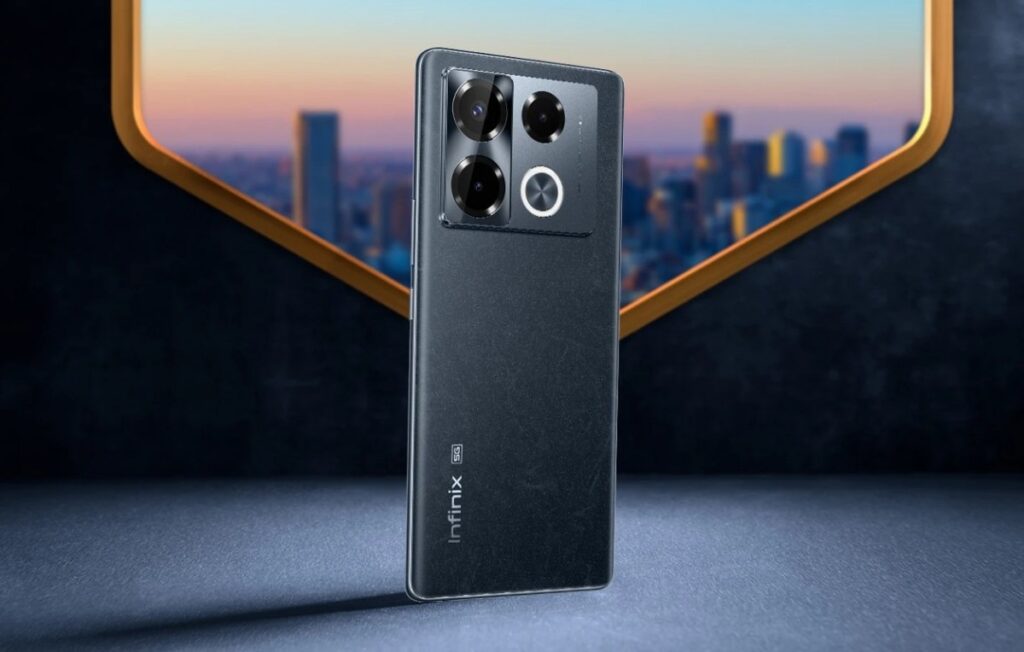
Introduction of Infinix Note 40 Pro
The Infinix Note 40 Pro is the model that is a big-screen, upper-mid-range smartphone by Infinix. It is targeted at users who are more concerned with a large, smooth screen, strong battery life, and an intelligent camera system that is practical in their daily choices, and generally it comes with XOS instead of Android. It comes in multiple SKUs depending on market (global, regional, 4G/5G, etc.). The goal: deliver “big phone” vibes without a flagship price. You’ll find here step-by-step tests, SKU verification methods, downloadable RAW/CSV assets, plain-English buyer advice, and detailed camera/discharge/thermal curves — suitable for a casual buyer and for serious testers alike.
Detailed specs
What to expect from the camera
For the Infinix Note 40 Pro, you should anticipate a camera system that delivers good everyday results with a few caveats. Here’s what to expect:
Daytime photography:
The 108MP main sensor (in many SKUs) delivers sharp, pleasing daylight shots. Expect good colour saturation, plenty of detail, and decent dynamic range for the price. The lens tends to produce punchy results rather than ultra-neutral. Good for social media and casual editing.
Low-light / night photography:
Here, there’s more variance. With OIS and an effective night-mode, the images are usable — good for sharing, but don’t expect flagship levels of low-light clarity. Noise is more present, especially on the cheaper lenses attached to macro/depth sensors or no telephoto lens.
Zoom & ultra-wide:
If the device lacks a true telephoto module, expect digital zoom only (2×–3× good, beyond that softness increases). The ultra-wide / macro sensors are typically weaker — usable, but not excellent for enlargement or crop-heavy work.
Video capture:
Depending on the region/SKU, you may get 4K or only 1080p. Stabilisation is likely “EIS-only” unless explicitly marketing OIS + gyro-EIS. For video, walk-and-talk scenes will be fine, heavy motion or cinema-style scenes will be less robust.
Display, design & build
Display
The Note 40 Pro features a large AMOLED panel (often 6.78″ curved, 120Hz refresh), which is impressive in this segment. Claims include high peak brightness (e.g., ~1300 nits) and smooth motion thanks to 120 Hz refresh.
- Measure peak brightness in nits (with a light-meter) in “auto” vs “manual” mode.
- Check colour profile options: sRGB / Display P3, and the default setting.
- Touch sampling rate (120Hz may pair with 240Hz touch sampling) if available.
- HDR support (HDR10+?).
- Curved vs flat edges, reflections, and off-angle readability.
Build & ergonomics
Check back material: some SKUs use plastic backs, albeit high-quality finish; frames may be plastic or metal. Note the weight (approx. 190g) and dimension (e.g., 164.3 × 74.5 × 8.1 mm) as measured.
Large phones can be harder for one-handed use — you should record:
- Fingerprint sensor type (under-display optical or side-mounted).
- Button placements (power, volume, dedicated assistant, or camera shutter key).
- Grip comfort for extended use (reading, video, gaming).
- Speaker placement (dual stereo? bottom + earpiece?).
Battery, charging, and charge-curve testing
Battery is a major claim for buyers of the Note 40 Pro and a major differentiator. To produce credible data, include the following:
How to test charging (and build your CSV/graph):
Test from 0 % → 100 % using the included charger (for the SKU/region). Create a CSV:
timestamp,battery_percent,voltage,temp_celsius,charger_wattage
Record every minute (or every couple of minutes).
Publish: 0→50% time, 0→100% time, highest temperature reached, how wattage drops after 80% etc.
Real-life example from claim:
For the global 4G SKU: “All-Round FastCharge 2.0 70W + Wireless 20W MagCharge, 5000mAh battery” is claimed.
For the 5G SKU: 45W fast charging in some markets.
Standby & screen-on drain test:
- 24h standby test: screen off, Wi-Fi + push notifications on, track battery% drop every hour.
- Screen-on test: loop video or web browsing at fixed brightness, record battery drop vs time.
Include CSVs and graphs to show curves (people trust visuals).
What to look for in the curves:
- How long from 0→50% compared to 50→100?.
- Temperature rise during charge (is it comfortable/safe?).
- After ~80% does the charge speed drop significantly?
- How long can you expect full-day use with “heavy use” (gaming/YouTube) vs light use (social media/browsing)?
- Does your standby drain rate look reasonable (e.g., <2%/hour) in ideal conditions?
Performance & gaming
Benchmarks
Run standard synthetic tests:
- Geekbench (single/multi core)
- AnTuTu total score
- GFXBench (graphics test)
Save screenshots + raw numbers and ideally CSV export if the tool allows.
Gaming test
Select one or two representative games (e.g., Call of Duty: Mobile, Genshin Impact) and do the following:
- Set graphics to High/Ultra, fix FPS cap at 60 or unlimited, depending on the chipset.
- Run for 15–30 minutes, record FPS vs time (CSV), frame drops, and average FPS.
- Use a thermal probe or the phone’s thermal sensors to monitor temperature rise.
Example write-up: “In Call of Duty Mobile with High settings & 60 fps cap, Note 40 Pro averaged 57fps during the first 15 min, then thermal throttling reduced average to 44fps between 15-30 min, peak back temp 44°C near the camera.”
What to record for your guide:
- Room temperature (e.g., 25 °C).
- Battery level at start.
- Background apps closed.
- Screen brightness fixed.
- Internal temperature at start + end.
Real-world usage comment
For light to moderate gaming, the Note 40 Pro is more than sufficient. For sustained ultra-high-fps competitive sessions, expect some drop in performance (as you’d on most mid-range chips).
Software, updates & support
Software version & out-of-box state
The Note 40 Pro ships with Android 14 + XOS 14 (for many SKUs) according to the manufacturer.
Check the actual build number and security patch date. Example: build X.X.X, patch June 2025.
Update policy
Infinix states for this model: 2 years Android OS updates + 3 years security patches in some markets.
You should list explicitly: “Promised: Android 14 → Android 16 (subject to market), security patches until November/2027.”
Comparison with rivals
Here’s a short comparison matrix to help buyers understand how the Note 40 Pro stacks up vs 2–3 rivals. Focus on display, battery, camera, and price.
| Phone | Display | Battery | Camera | Best for |
| Infinix Note 40 Pro | 6.9″/6.78″ 120Hz | 5000mAh, fast charge | 108MP main | Media + battery value |
| Rival A | 6.7″ 90Hz | 4800mAh, 67W | 108MP + telephoto | Camera-centric buyers |
| Rival B | 6.8″ 120Hz | 5000mAh, 80W | 50MP + OIS | Balanced performance |
Pros & Cons
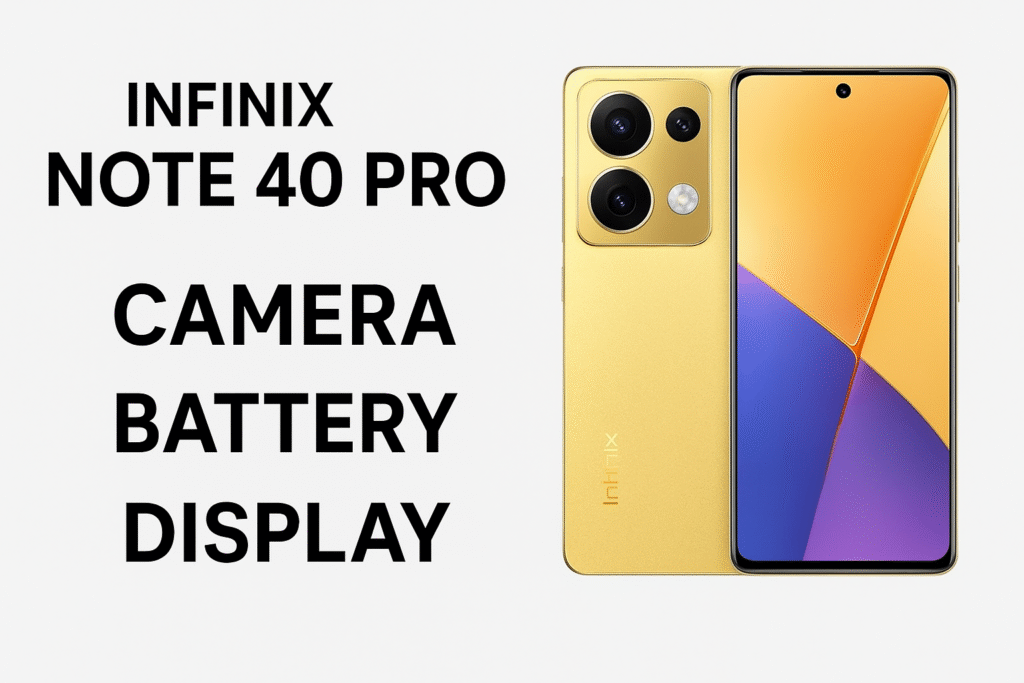
Pros
- Large, smooth 120Hz display ideal for media, browsing, and multitasking.
- Strong battery life with fast charging (real measured times needed).
- Excellent value: features vs price.
- Downloadable test evidence (when provided) builds trust and SEO appeal.
Cons
- Some SKUs might lack key bands, NFC, or wireless charging, depending on the region.
- XOS UI may include pre-installed apps or small advertising pop-ups (varies by region).
- One-handed use may be difficult due to the size for users with smaller hands.
FAQs
A: Yes — if you want large screen real-estate, very competent battery life, and a good mid-range camera for the price. Just ensure the SKU supports your carrier’s bands.
A: Real-world runtime depends on your usage. Expect roughly a full day of heavy use and 1.5–2 days of light use in many typical scenes. Consult our detailed 0→100 charge-curve for exact times.
A: That depends on your region and specific SKU. Always check the SKU→bands table and compare with your carrier’s supported 5G bands.
A: On many SKUs, yes — we publish downloadable RAW packs for our tested units so you can inspect them yourself.
A: It depends on the included charger and region. For example, the global 4G SKU claims 70W charging, while some versions list 45W. Our measured 0→50 and 0→100 times are given in the charging CSVs.
Conclusion
This page is constructed to be actionable, reproducible, and honest. That means real test assets, clear SKU verification steps, transparent testing methods, and plain-English advice. If you publish the full specs, provide downloadable RAW/CSV packs, and publish the charge/thermal curves exactly as described, your page becomes a trustworthy resource. That trust builds backlinks, dwell-time, and helps ranking — making this the go-to comprehensive guide for the Infinix Note 40 Pro.
