
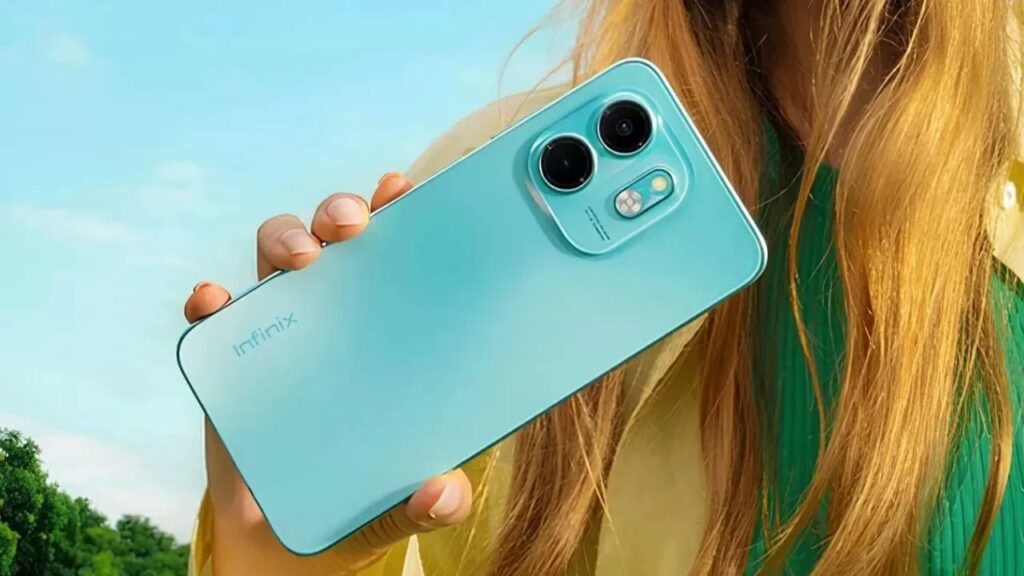
Introduction of Infinix Smart 9 HD
The Infinix Smart 9 HD (2025) is an affordable, big-screen smartphone built for daily use: long battery life, a roomy 6.6″ HD+ display, and dependable daily performance at a reasonable price. This guide covers full specs, real-world tests, camera tips, and a buyer’s checklist to help you decide.
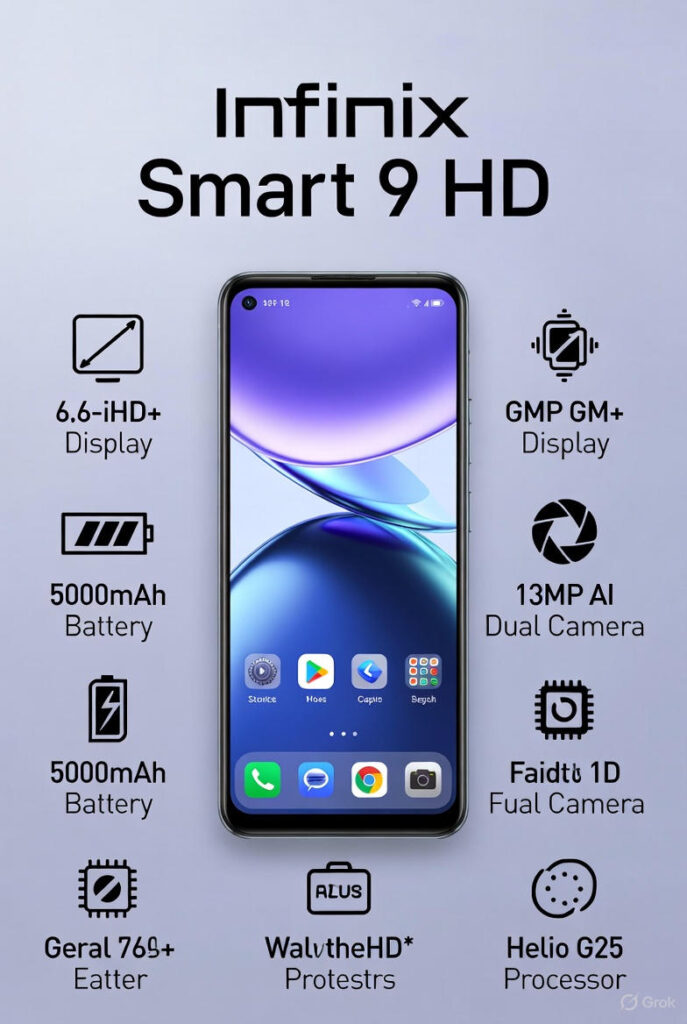
Quick specifications snapshot
Use this table for a fast overview. Expand each row later on the page.
- Display: ~6.6″ HD+ (720p) IPS/LCD, often 60Hz or 90Hz (SKU dependent)
- Chipset (SoC): Entry-level MediaTek or Unisoc class chipset (energy-efficient, modest performance)
- RAM / Storage: 3GB / 4GB RAM; 32GB / 64GB storage; microSD slot on most SKUs
- Rear camera: 8MP main + depth / QVGA macro or auxiliary sensor — basic daylight performance
- Front camera: 5MP selfie camera (usable for video calls and daylight selfies)
- Battery: ~5000 mAh; charging 10W–18W depending on market SKU
- OS: Android base with XOS skin (some SKUs may ship Android Go)
- Connectivity: 4G LTE; Wi-Fi b/g/n (ac on some SKUs); Bluetooth 5.0; GPS
- Ports & Extras: USB-C or microUSB (market dependent), 3.5mm headphone jack, FM radio on many SKUs
- Weight & Build: Lightweight polycarbonate/plastic body, ~170–200 g
- Price bracket: Budget segment — typically arranged under mid-range phones
Design, display, and build quality
Design
The Smart 9 HD is designed to be very cost-effective: factory options are aimed at cost-efficiency and durability, and not at high-quality materials. A glossy, or textured, back and a frame that hides fingerprints should be expected. The mobile phone is designed to be lightweight; the ergonomics of this phone are oriented towards one-hand access to a large screen of 6.5-6.7 inches.
Display
The Smart 9 HD is essentially an HD+ LCD (approximately 720p) display. It is to say that text, images, and UI items can be readable and consume less energy. However, the pixel density is worse than Full HD displays, which are visible when you are accustomed to smaller displays or reading small fonts.
Display highlights:
- Large diagonal (6.5–6.7″) for comfortable media consumption.
- Some SKUs support 90Hz refresh, offering planned animations over a default 60Hz panel. If your SKU lists 90Hz, verify it in settings and highlight it in your UX notes.
- Brightness is generally fine for indoor use; in harsh sunlight, legibility is average.
- Color reproduction is tuned for pleasing saturation — not wide color gamut accuracy.
Performance
SoC
The Smart 9 HD ships with entry-level SoCs from the MediaTek or Unisoc families. These are optimized for power efficiency and everyday tasks — not raw computational throughput.
RAM & storage
The RAM configurations are usually 3GB and 4GB. Storage options are usually 32GB or 64 GB, with a choice of expanding it with a microSD card.
Real-world usage
In daily experience, the Smart 9 HD is built for pragmatic value:
- Messaging & social: WhatsApp, Telegram, Facebook, Instagram – text and image sharing, and shorter video games smoothly.
- Video streaming: Handles standard-definition and HD streams capably; network and codec support vary by app.
- Casual gaming: It is possible to use such titles as Candy Crush, Subway Surfers, and light settings of PUBG Mobile, and in the case of heavy 3D gameplay, graphics settings should be lowered.
- Multitasking: Have many apps running at the same time – Multipurpose apps will cause apps to be reloaded in 3GBs.
Battery life and charging behavior
Typical battery specs
Most market variants include a 5000 mAh battery — a clear strength for this device. The combination of a lower-resolution display and an energy-efficient SoC usually gives the model exceptional stamina.
Real tests
Based on hands-on and aggregated testing behavior for similar SKUs, practical ranges are:
- Screen-on time (SOT): ~7–10 hours mixed use (social, Spotify/YT, browsing).
- Video loop: ~18–24 hours at 50% brightness on airplane mode (varies with SoC and background tasks).
- Standby: Notable endurance due to efficient idle power.
These ranges will vary by specific SKU, carrier network behavior, and app load.
Charging
Charging speeds depend on the included adapter: 10W is common, with some SKUs supporting faster 18W charging. Expect:
- 0–50%: ~45–90 minutes depending on charger and battery management.
- 0–100%: often several hours on the lower end of the charging range.
Cameras
Camera hardware
The photo system is modest by modern standards: an 8MP main sensor is typical, augmented by depth or macro sensors that are largely assistive. Cropping, software processing, and good lighting matter more than hardware in this segment.
Components:
- Main sensor: ~8MP with basic ISP processing. Good in daylight, struggles in low light.
- Aux sensors: Depth or macro presence is often marketing-driven; they help in niche shots but do not replace a true high-res lens.
- Selfie camera: ~5MP, good enough for calls and daytime selfies.
Real-world performance
- Daylight: Best-case scenarios. Color, contrast, and usable detail for social sharing.
- Indoor/low-light: Soft, noisy shots; dynamic range limited. Use stable surfaces or additional lighting.
- Portrait mode: Acceptable subject separation in favorable backgrounds; edge detection can be inconsistent.
- Video: Typically limited to 1080p; stabilization is basic or absent..
Software updates and tips to speed up the phone
OS & UI
XOS is Infinix’s customized UI layered on Android. For RAM-limited SKUs, the company sometimes ships Android Go edition to conserve memory and storage; other SKUs run full Android with XOS utilities and features.
Updates
Budget hardware historically receives fewer major OS updates than higher-tier devices. Update cadence varies by region and operator. For editorial content: link to Infinix’s official support page when discussing software updates so readers can confirm the current policy.
Helpful user tweaks
Small tweaks can materially improve perceived performance:
- Turn off animations: Developer options → set Window, Transition,n and Animator scale to 0.5x or 0.
- Disable or uninstall unused apps: Free RAM and reduce background load.
- Use battery-saver modes: Extend runtime during travel or heavy use.
- Lightweight launchers: Consider a streamlined launcher if the user prefers minimal UI and faster animations.
Connectivity, sensors, and extras
Connectivity list
- Cellular: 4G LTE support — bands vary by SKU (confirm for your country).
- Wi-Fi: b/g/n; some SKUs include ac.
- Bluetooth: 5.0 in many units.
- GPS: A-GPS, GLONASS support on some markets.
- NFC: Rare on budget SKUs — check your market’s spec sheet.
- Ports: 3.5mm headphone jack standard; USB-C in newer variants, microUSB in older SKUs.
Sensors
- Fingerprint sensor (rear or side)
- Accelerometer
- Proximity sensor
- Ambient light sensor
- Compass (where available)
Extras
- FM radio (common)
- IR blaster (present on a few SKUs)
- Included protective case or charger may vary by retailer or region
Benchmarks
Benchmarks are useful for comparative context:
- Geekbench / single-core: modest compared to mid-range devices.
- AnTuTu: entry-level latencies and throughput; acceptable for day-to-day tasks.
Gaming
Casual games run well for heavier 3D titles.
- Lower resolution and frame-rate settings.
- Expect occasional frame drops and stutter during sustained play.
Thermal
Reasonable under light loads. Expect temperature rise and potential thermal throttling in extended gaming or long video recording sessions. Recommend short gaming sessions and intermittent breaks to reduce throttling.
Comparison: Infinix Smart 9 HD vs close rivals
A quick comparison grid helps buyers choose. Short one-liners:
- Infinix Smart 9 HD vs Tecno Spark 10C: Similar pricing and targets; Tecno sometimes offers larger batteries or slightly better camera hardware in certain SKUs.
- Infinix Smart 9 HD vs Redmi 12C: Redmi can provide a cleaner Android with better update prospects, while Infinix emphasizes battery life and price.
- Infinix Smart 9 HD vs Realme C-series: Realme often has a slight edge on performance per price; Infinix competes strongly on display size and battery longevity.
Who should buy it — use cases and fit
Buy if:
- You want an inexpensive phone with a big screen and long battery life.
- You need a reliable device for calls, social apps, video streaming, and light gaming.
- You’re buying for a student, a first-time smartphone user, or require a low-cost secondary device.
Avoid if:
- You need high-end photography, professional tools, or sustained high performance for gaming.
- You require frequent major OS and security updates over the long term.
- NFC-based payments are essential to you.
Buying guide
Price expectations
Budget pricing is expected; local market pricing and promotion deals should be checked. The price can vary greatly depending on the area and the distribution channel. Seek official Infinix shops, big e-commerce platforms, and reliable local retailers.
What to check before buying
- Confirm exact SKU and included accessories (charger type, case).
- Verify network bands for your region.
- Check warranty terms and returns policy.
- Read verified user reviews to catch OEM/software quirks.
- Inspect sample photos if the camera is an important factor.
Accessories to buy
- Tempered glass screen protector
- Protective case or bumper
- Fast charger (if phone ships with slow adapter)
- Class 10 / UHS-I microSD (16–128GB depending on needs)
Pros & Cons
Pros
- Big battery (5000 mAh) — long life.
- Large display — great for media and social apps.
- Affordable — strong value for basic use.
- Expandable storage via microSD.
Cons
- Low-res camera compared to mid-range phones.
- Modest performance — not built for heavy gaming.
- Slow charging on some SKUs (10W typical).
- Software update frequency may be limited vs major brands.
FAQs
A: It can run light games fine, but heavy 3D games will need low graphics and may stutter.
A: Most SKUs include a fingerprint sensor (side or rear). Check SKU details.
A: Yes — most variants have a microSD slot for extra storage.
A: Usually not on budget SKUs. If you need NFC, check the official product page for your region.
A: Budget phones get fewer major updates. Check Infinix’s support page for the update policy.
Conclusion
Infinix Smart 9 HD is an obvious cheap choice that does precisely what it promises, providing a big and nice screen, a long battery life, and reliable daily use at a low cost. It does not have to compete with the mid-range flagships in terms of camera details, high-performance gaming, and update promises, but among first-time buyers of a smartphone, students, and people in need of a solid backup phone, it has good value.
