

Introduction of Infinix Zero 5
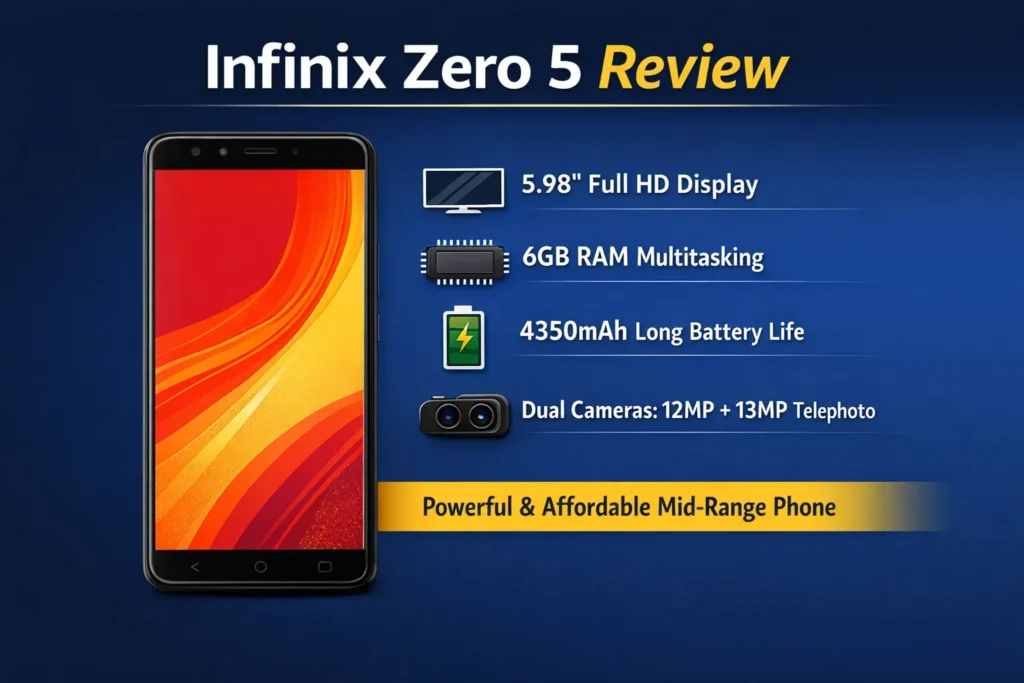
Infinix Zero 5 is a value-packed mid-ranger launched in November 2017: a large 5.98″ FHD screen, 6 GB RAM, and a 4350 mAh battery that excels at endurance. Cameras are useful but not class-leading; the phone is bulky. The Infinix Zero 5 is one of those smartphones that quietly built a strong reputation by focusing on what mattered most to everyday users at the time of its launch. Released in November 2017, it entered the mid-range market with a clear goal: deliver a large, immersive display, strong multitasking performance, and exceptional battery life at an affordable price.
What’s new & who it’s for
Launch & positioning
Launched in November 2017, the Zero 5 targeted buyers who wanted a large, media-friendly screen and an above-average battery at mid-range pricing. Its notable spec at the time was the secondary telephoto-style sensor — an uncommon addition in that class — which allowed better 2x crops and portrait shots than most competitors relying solely on digital zoom.
Ideal user personas
- Media-first viewers: people who stream a lot of video and want a big, sharp display.
- Heavy multitaskers: users who keep many apps alive simultaneously and benefit from 6 GB of RAM.
- Value seekers: shoppers who prioritize endurance and screen real estate over bleeding-edge camera or thinness.
- Used-phone buyers: those willing to trade some modern features for a reliable, long-lasting battery and a lower price.
Design & display
Build and ergonomics
The Zero 5 presents itself with a more premium language than many of its 2017 peers: metal finishes, careful chamfers, and a symmetrical rear layout. In a reader-analogy, imagine a model that optimizes for battery-dominant utility: it trades compactness for energy capacity. As a result, one-handed operation is challenging for most people. The rear fingerprint sensor is positioned in an ergonomically reasonable spot and unlocks quickly — a reliability signal that improves daily UX.
Quick practical notes
- Build quality: surprisingly good for the price tier.
- Buttons: tactile and placed for comfortable reach.
- One-handed usability: compromised by weight and height.
Display quality
A 5.98″ FHD IPS panel delivers sharp images and a pleasant media experience. Colors are slightly saturated out of the box (many users find this pleasing). Indoor brightness is adequate; outdoor visibility in direct sun is only middling. For technical readers: if you want to rank for display calibration queries, publish measured luminance (nits), color accuracy (Delta-E), and contrast ratio — these are uncommon in competitor pages but attract technically-minded readers.
Real-world performance
Daily use
With 6 GB of RAM, the Zero 5 acts like a generous memory buffer: switching between social apps, web browsing, and messaging is fast and fluid. The Helio P25 is a mid-tier SoC that handles everyday tasks confidently but shows its limitations under sustained heavy workloads or with high demands (large photo edits, CPU-bound background jobs).
User tip: Disable or limit heavy background apps if you run many concurrent services (for example, frequent cloud sync apps).
Gaming & sustained performance
The Mali-T880 GPU permits playable experiences at low-to-medium settings for graphically demanding titles. Expect to reduce texture and resolution settings for sustained frame stability. Thermal management is not exceptional; extended gaming sessions will push the SoC into throttling territory.
Practical steps:
- Use XOS performance mode for short bursts of top performance.
- Close background apps before heavy gaming.
- Reduce in-game graphics to ensure stable frame rates and lower temperatures.
Benchmarks
To make your article a trustworthy technical reference, include:
- Antutu score (full run) with a screenshot of the result.
- Geekbench single-core and multi-core scores.
- Thermal throttling graph during sustained gaming — e.g., measure FPS, SoC temperature, and battery drain over 5, 15, and 30 minutes.
These items help technical readers and journalists verify your tests and trust your conclusions.
Camera
Camera hardware & shooting modes
- Rear: 12 MP main + 13 MP telephoto/portrait — the telephoto sensor provides better 2x crops than simple digital zoom.
- Front: 16 MP selfie.
- Modes: portrait, HDR, video, and any manufacturer’s night/basic low-light modes available in XOS.
Performance summary
- Daylight: reliable colors and acceptable detail. The image pipeline sometimes applies smoothing that masks micro-detail.
- Portrait/Telephoto: useful for close portrait shots and 2x crops. The bokeh effect is decent in good light; edge detection can struggle with complex outlines.
- Low light: the camera degrades in noise and detail; long exposure or night modes help, but do not match modern computational photography.
- Selfies: good resolution with the 16 MP sensor; beauty modes can over-smooth textures.
Reproducible camera test suite
To outrank shallow camera pages, include a reproducible test suite:
- Shot 1 — Daylight street: full-frame plus a 1:1 crop to show resolving power.
- Shot 2 — Portrait in daylight: subject framed against a Busy Background to highlight edge detection and bokeh quality.
- Shot 3 — Telephoto 2x: a distant object captured with a telephoto sensor; include direct crop comparisons vs digital zoom on rivals.
- Shot 4 — Indoor low light: handheld full-frame and crop to show noise and detail loss.
- Shot 5 — Night scene (tripod): long exposure or night-mode capture to demonstrate bundled low-light processing.
A/B comparisons and long-tail search targets
Include direct A/B crops and labeled comparisons for search terms like:
- “Infinix Zero 5 low light camera comparison vs Mi A1”
- “Zero 5 vs Mi A1 portrait mode”
Comparison content drives higher intent visits: readers choosing between two phones want side-by-side images and explanatory captions.
Battery & charging
Battery life
The 4350 mAh battery is the Zero 5’s standout: in typical mixed usage, it comfortably covers a full day and often stretches to two days on light use. If you travel or run navigation/audio for hours, this endurance is a major practical advantage.
Suggested tests
Make your review authoritative by publishing:
- Video loop test: screen on at fixed brightness until shutdown.
- Web browsing test: automated page scrolling with periodic refresh to simulate active reading.
- Gaming SOT: hours of gaming at medium settings until battery hits a target.
- Standby drain: overnight % loss with Wi-Fi and mobile active.
These measured numbers are what buyers search for when they ask, “How long will the battery last?” — and such tests increase your article’s trustworthiness.
Charging & XCharge
XCharge delivers faster topping speeds versus stock chargers of the era. Publish:
- 0 → 50% time (minutes).
- 0 → 100% time (minutes).
- Battery temperature profile while charging (degrees Celsius over time).
Practical battery tips
- Use battery saver overnight to reduce background wake-ups.
- Turn off sync or background refresh for non-essential apps.
- Avoid heavy gaming while charging to reduce thermal stress.
- After big firmware upgrades, consider a one-time calibration cycle (charge to 100% then fully discharge once).
Software & UX
What to expect from XOS
XOS on Android 7.0 includes features and some preinstalled apps that some users regard as useful and others as bloat. The skin offers performance modes, gesture controls, and theming — but also includes apps that may be uninstallable only via ADB or System Privileges.
Practical tweaks
Make the device feel snappier with these adjustments:
- Disable bloat: Settings → Apps → choose app → Disable / Uninstall (where allowed).
- Enable Performance Mode: Settings → Battery → Performance Mode.
- Reduce animations: Developer Options → Window/Transition/Animator scale → set to 0.5x or off.
- Limit account sync: Settings → Accounts → choose account → disable sync for unused services.
- Check OTA updates: Settings → About phone → System updates (regional update cadence varies).
These steps reduce CPU overhead, RAM churn, and unnecessary background activity.
Comparisons
A compact comparison table helps buyers decide quickly. Below is a short, quick reference:
- Zero 5: large battery (4350 mAh), 6 GB RAM, telephoto secondary sensor.
- Mi A1: stock Android (Android One) experience, reliable camera processing, consistent update cadence.
- Oppo F5: stronger selfies and styling, aimed at selfie-first buyers.
- Honor 9i: competitive specs with potentially better low-light performance and a refined design.
Who should buy which:
- Choose Zero 5 for battery life and a large screen.
- Choose Mi A1 for a clean Android and regular updates.
- Choose Oppo F5 if selfies are a priority.
- Choose Honor 9i for a balance between design and imaging.
Pros & Cons
Pros
- Large 5.98″ FHD display — pleasant for media consumption.
- 4350 mAh battery — excellent endurance.
- 6 GB RAM — strong multitasking for the era.
- Telephoto secondary sensor — useful for 2x crops and portraits.
Cons
- Bulky/heavy design — not ideal for one-handed use.
- Low-light camera performance lags behind newer models or flagships.
- XOS includes bloat; the Android version is older at launch.
- Software updates depend on the region and may be slow.
Buying advice & checklist
Before buying a used Zero 5, verify:
- Battery health: ask the seller for a battery health or screen-on time screenshot.
- Screen: inspect for dead pixels, discoloration, or deep scratches.
- Back panel & frame: dents can indicate drops and potential internal damage.
- Camera: test both daylight and low-light captures.
- Charging port & fingerprint sensor: ensure reliable function.
If buying new:
- Confirm the SKU and supported LTE bands for your country.
- Check the warranty and return policy.
FAQs
A: Yes for casual and mid-level gaming. Play heavy games at medium settings and enable performance mode for smoother play.
A: With moderate use, you can get a full day easily, and often two days on light use, thanks to the 4350 mAh battery.
A: It uses a telephoto secondary sensor that gives around 2x optical-equivalent crops for portraits and distant subjects.
A: Yes. The Zero 5 supports microSD up to 128 GB (check if your local SKU uses a hybrid SIM slot).
A: Disable bloat apps, enable performance mode, limit background sync, and reduce animations in Developer Options.
Final verdict
The Infinix Zero 5 remains a solid example of a battery-focused mid-range smartphone that prioritizes endurance, screen size, and multitasking over compact design and cutting-edge cameras. Its large FHD display, generous 6 GB RAM, and dependable 4350 mAh battery still make it practical for media consumption and daily use, especially as a budget or used purchase. While its camera and software feel dated by modern standards, users who value long battery life, a big screen, and stable performance will still find the Zero 5 a sensible, value-driven choice.
